Turn KPIs into tasks.
Connect goals to projects and tasks, then review suggested next steps.
KPI → Project → Task
Connect your work folders. Proce uses the permitted materials to understand your work context and start helping right away. It proposes and handles work within the scope you allow, with important actions requiring approval.
Create a business account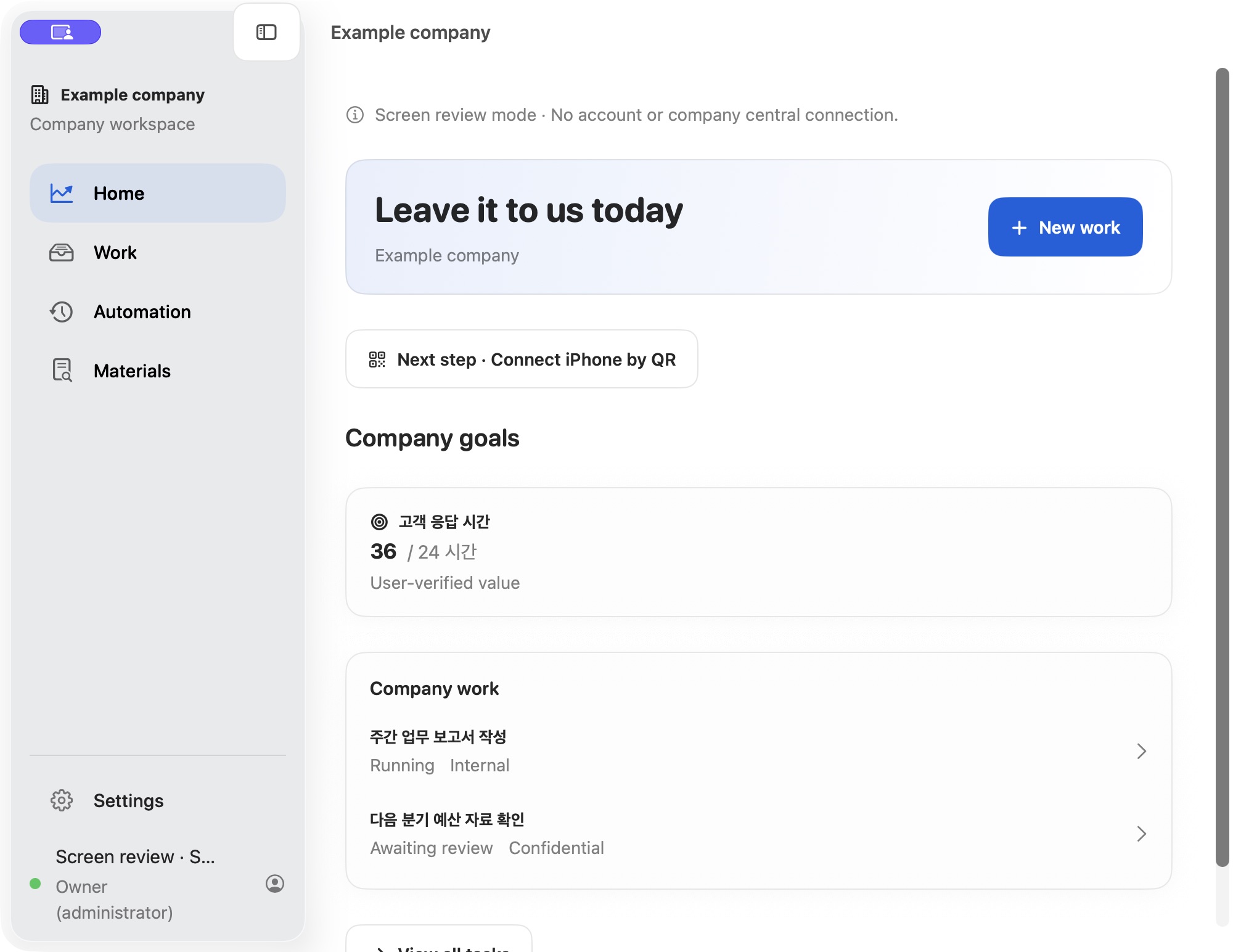
Review materials, suggested work, approvals and results in one flow, with the next step clear at every stage.
Illustrative workflow. Company setup and device approval are required before use.Report draft · Team memberPrepare a draft and suggest next steps
Approve sharing · Authorized reviewerReview the draft and recipients before deciding
ApprovedReview result · Team memberReview the shared result and source materials
ReviewConnect goals to projects and tasks, then review suggested next steps.
Agents suggest tasks and owners from approved company context. People review before execution.
Agents organize materials and options so the team can focus on decisions.
Within approved limits, agents prepare drafts and flag what needs review in the morning.
Plan, build and test internal systems such as ERP, inventory and customer management. Run them in an approved environment or deploy to a server under company policy.
AI organizes materials, prepares drafts and carries out work within approved limits. People review tasks that require approval and make important decisions.
Connect permitted work folders and company goals.
AI creates tasks and suggests suitable owners.
AI carries out work within its allowed scope. When approval is required, people review, edit and approve before execution.
Bring scattered materials and experience together as knowledge your team can use.
Connect Claude, Codex, Gemini and other AI tools. Choose the right AI for each task.
Match models and relevant context to each task to optimize token usage. Manage company and employee budgets alongside it.
Keep responsibilities and approvals clear.
Connect your company’s goals, work standards, materials and reviewed results. Use that experience in the next task to build a way of working that fits your team.
Bring together work from email and messaging, then review and approve results before sharing.
Review source materials, changes and approvals before deciding what comes next.
Track changes and approvals, and see who worked on each task.
Uncomfortable storing company information outside your company?
Original company materials and work records stay in the approved internal environment. Company roles and approvals determine who can view and execute work.
Login, membership, invitation and device registration information is handled by Proce’s account server. When external AI is used, information needed for an approved task may be sent to that AI service.
Requests are processed only after device approval and company policy checks.
Separate owner, decision-maker and team-member permissions. Important actions require approval.
Important settings require identity verification and permission checks.
Sensitive work content is stored encrypted with a company-specific data key.
Activity, changes and approvals are recorded in the company workspace for review.
Company policy and approvals limit information sent to external AI and the scope of execution.
The business Mac app is available to download. Create your company account on the separate signup page, then complete internal workspace setup and device approval before starting work.
Business pricing is handled separately through company contracts and seats. Contact sales for details.
Connect Claude, Codex, Gemini and other AI tools within your company policies and environment. Models and usage settings vary by tool.
The business Mac app requires Apple Silicon and macOS 15+. The iOS 18+ app, Windows and Android are coming soon.
Create your company account on the web first. If you have already signed up, install the Mac app and sign in.
The 30-day free trial starts when you create a company account. Company workspace setup and device approval are required before work begins. Up to five people can use it, with no payment method or automatic billing.
macOS · Apple Silicon · iOS / Windows / Android coming soon